
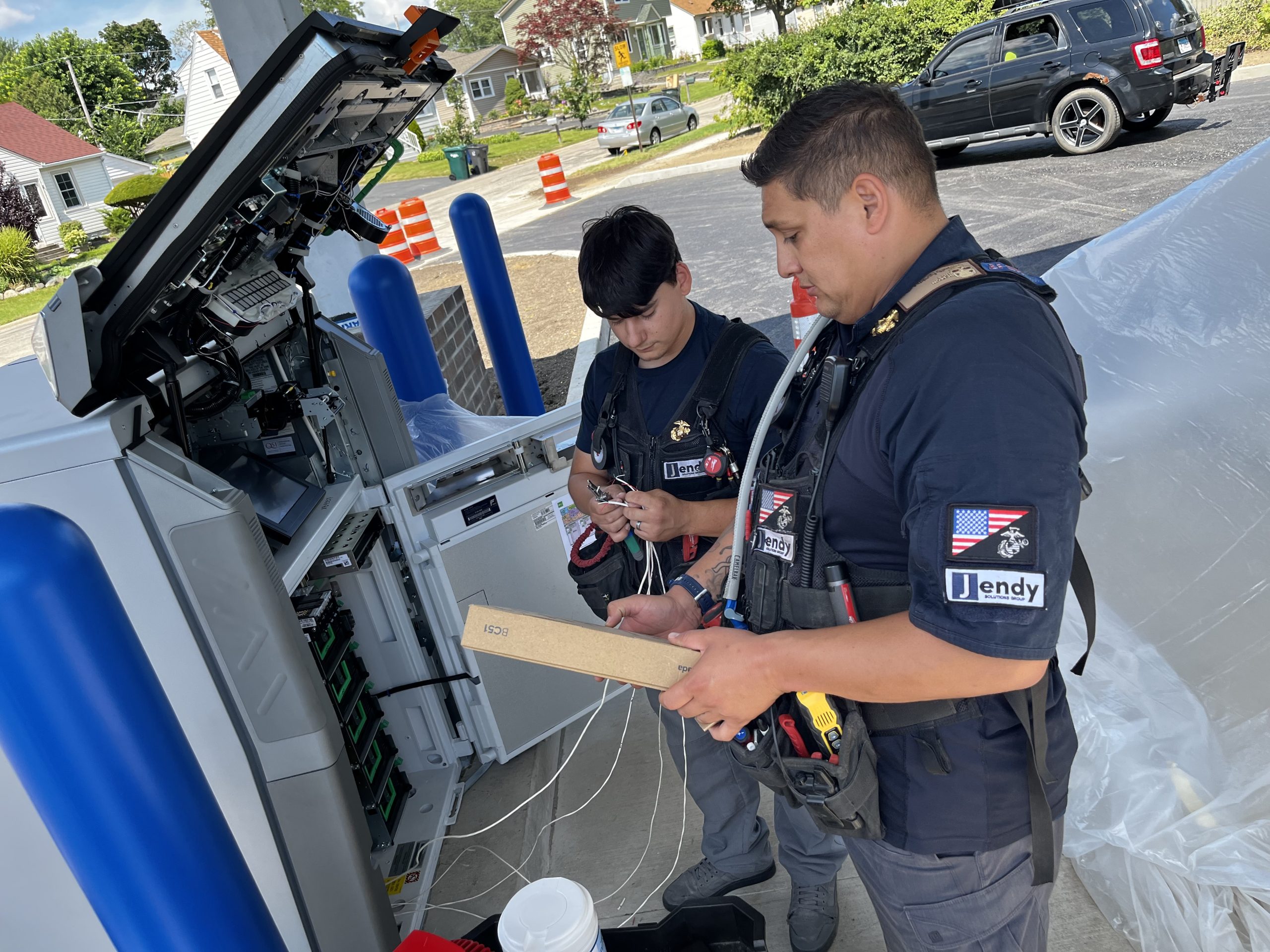

Standardizing security across locations starts with practical installation details: device names, door hardware, camera views, cable labels and closeout records. Jendy helps clients define that shared standard and document the site-specific differences needed for a workable national rollout.
Review Verkada’s current product portfolio when validating the selected equipment and licensing against the agreed installation standard. Document the approved configuration before repeating it across locations.
Standardize the information that supports the system
Use common device names, door schedules, camera objectives and documentation across locations. Record site exceptions explicitly so administrators can understand differences without losing the portfolio standard.
Validate the standard against each building
Existing locks, cable routes, mounting conditions and network capacity vary by property. Review the proposed Verkada equipment and installation scope against those conditions before approving the work.
Carry the standard through closeout
Confirm the installed devices and operating tests at each site. Retain final records, platform responsibilities and outstanding tasks in a consistent format so future service or expansion starts with usable information.
Related Installation Resources
Continue planning with security system design and planning, Verkada installation and client installation readiness form. For a quote, submit your installation scope with the site locations, device quantities and planned schedule.
Download the Planning Guide
Save this companion guide for your project team: download the Standardizing physical security across multiple locations whitepaper (PDF). Downloads are free and require no form or email address. Browse our security installation resource library for more guides.
For facility-specific planning, explore our security for large facilities guidance.