

How to Standardize Physical Security Across Multiple Locations
Managing physical security for one building can be challenging. Managing it across 10, 50, or hundreds of locations is an entirely different problem.
As organizations expand, physical security systems often grow organically. One office may use a certain camera platform, another location may have a different access control system, and newly acquired facilities may bring completely different technology into the environment.
Before long, security teams are managing multiple vendors, dashboards, credentials, service agreements, and operating procedures.
For enterprise organizations, this fragmented approach can make physical security more difficult to manage, maintain, and scale.
The solution is physical security standardization: creating a consistent technology and operational framework that can be deployed across every location.
Here is how organizations can build a more scalable multi-site physical security strategy.
Why Multi-Site Physical Security Becomes Complicated
Security environments rarely become fragmented overnight.
Instead, complexity builds slowly.
A company opens a new office and installs whatever security system the local contractor recommends. Another location upgrades its cameras several years later with a different manufacturer. An acquisition introduces another access control platform.
Eventually, the organization may have several different systems performing the same function.
Common challenges include:
- Multiple video surveillance platforms
- Different access control systems
- Separate administrator credentials
- Inconsistent camera placement
- Different retention policies
- Multiple installation vendors
- Different service contracts
- No centralized system visibility
Each additional system increases the amount of knowledge required to manage the environment.
For organizations operating across multiple states or regions, maintaining consistency becomes even more difficult.
Step 1: Assess Your Existing Security Environment
Before standardizing Verkada technology, organizations need a clear understanding of what they already have.
A comprehensive physical security assessment should document the current environment across every facility.
That assessment may include:
- Camera models and locations
- Access control panels and readers
- Door hardware
- Network infrastructure
- Recording equipment
- System age
- Software platforms
- Existing integrations
- Equipment condition
- Security coverage gaps
The objective is not necessarily to replace every device immediately.
Instead, the assessment creates a baseline that helps determine which systems can remain in service, which should be upgraded, and where the greatest risks or inconsistencies exist.
Step 2: Establish an Enterprise Security Standard
Once the existing environment is documented, the organization can establish a standard for future deployments.
An enterprise security standard defines how security systems should be designed and implemented across facilities.
For video surveillance, standards might address:
- Approved camera models
- Camera placement guidelines
- Video retention requirements
- Resolution requirements
- Network configuration
- Remote monitoring capabilities
For access control, standards may define:
- Approved credential types
- Reader technology
- Door hardware
- Access permission structures
- Employee onboarding processes
- Visitor and contractor access procedures
Creating these standards helps prevent each location from making independent technology decisions.
It also makes future expansion significantly easier.
Step 3: Centralize Security Management
One of the biggest advantages of modern enterprise physical security platforms is centralized management.
Instead of accessing separate systems at every location, authorized security teams can manage facilities through a common platform.
Centralized security management can make it easier to:
- Review cameras across multiple locations
- Manage employee access permissions
- Investigate incidents
- Respond to security alerts
- Add or remove users
- Review system health
- Standardize security policies
For multi-location businesses, centralized visibility can dramatically simplify daily operations.
A security team at headquarters should not need to contact someone at a remote facility every time it needs to review footage or modify a credential.
The security platform should make remote administration part of the normal workflow.
Step 4: Standardize Access Control Across Locations
Access control is one of the areas where inconsistency can quickly create problems.
Employees may need different badges for different facilities. Administrators may maintain separate user databases. Former employees may need to be removed from several systems independently.
A standardized multi-location access control strategy can create a more consistent experience.
Ideally, organizations should be able to manage access centrally while defining permissions based on roles, locations, schedules, or departments.
For example, a regional manager may require access to several offices while a warehouse employee may only require access to one facility.
Centralized access control allows those rules to be managed systematically rather than manually.
Step 5: Create Consistent Video Surveillance Standards
Camera systems should also follow a repeatable design.
Without standards, camera coverage can vary significantly between facilities.
One location may have excellent coverage around entrances and parking areas while another has major blind spots.
A standardized video surveillance design can establish minimum requirements for areas such as:
- Building entrances
- Loading docks
- Parking areas
- Warehouses
- Reception areas
- Restricted spaces
- Critical infrastructure
- High-value inventory areas
Standardization also makes investigations easier because security teams know what type of coverage to expect at each facility.
Step 6: Develop a Repeatable Deployment Process
Technology standards are only part of the solution.
Organizations also need a consistent installation and deployment process.
For enterprise security projects, repeatability becomes extremely important.
A standardized deployment process may include:
- Site survey
- Security system design
- Network review
- Equipment procurement
- Installation
- System configuration
- Testing
- Documentation
- User training
- Ongoing support
Using the same process at every facility reduces surprises and makes large-scale rollouts easier to manage.
It also gives internal teams a predictable framework when new locations are opened or acquired.
Step 7: Plan for Lifecycle Management
Physical security systems are not one-time installations.
Cameras fail. Doors change. Offices move. Employees come and go. Firmware and software evolve.
A strong enterprise security strategy should include ongoing lifecycle management.
Organizations should establish processes for:
- System health monitoring
- Preventive maintenance
- Equipment replacement
- Software updates
- Credential management
- User audits
- Security policy reviews
- Technology refresh planning
Without lifecycle planning, even a standardized security environment can become fragmented again over time.
The Benefits of a Standardized Physical Security Strategy
For growing organizations, standardization can provide several long-term advantages.
Security teams gain centralized visibility.
IT teams manage fewer independent platforms.
Facilities teams work with consistent installation standards.
Executives gain a clearer understanding of security across the organization.
Most importantly, new locations can be added without reinventing the security strategy every time the business expands.
Build a Physical Security Platform That Scales
Multi-location organizations need security infrastructure that can grow alongside the business.
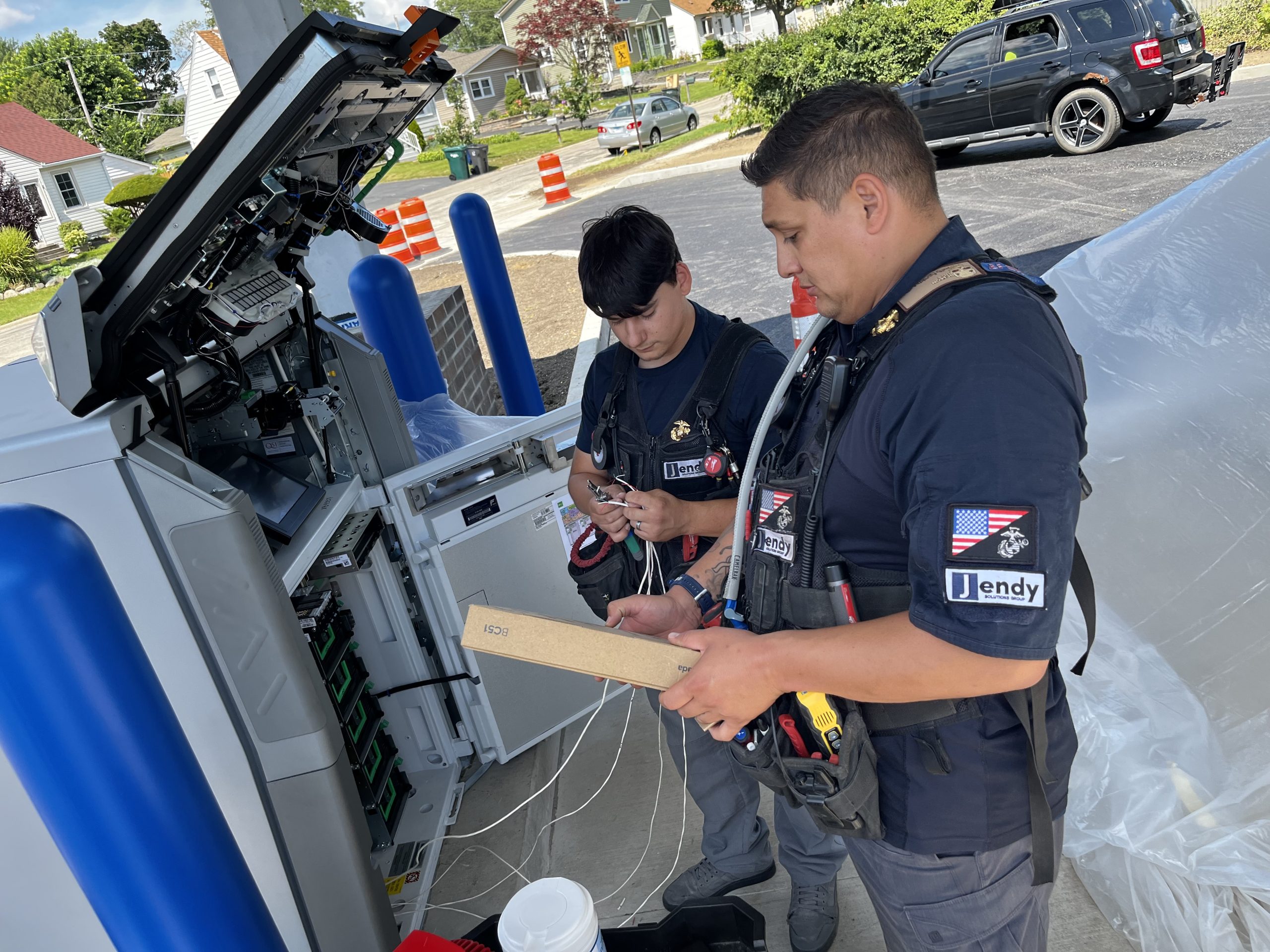
Jendy Physical Security helps enterprise organizations design, install, modernize, and support physical security systems across multiple locations. Our team works with businesses to create standardized access control and video surveillance environments that provide centralized management while supporting future expansion.
Whether your organization operates five locations or hundreds, developing an enterprise security standard can reduce complexity and create a more consistent approach to protecting people, property, and facilities.
Ready to Standardize Security Across Your Locations?
If your organization is managing multiple security platforms, different access control systems, or inconsistent camera environments, Jendy can help develop a physical security modernization strategy.
Contact Jendy Physical Security to schedule an enterprise security assessment and create a standardized roadmap for your locations.
This week’s post is designed around Jendy’s enterprise positioning: helping multi-location organizations design, deploy, and support centrally managed physical-security systems nationwide. Jendy’s internal materials specifically emphasize standardization, centralized visibility, and reducing the burden on internal teams across distributed facilities.
Meta Description: Learn how multi-location businesses can standardize access control, video surveillance, and physical security across every facility while improving visibility and reducing complexity.
Suggested URL Slug: /blog/standardize-physical-security-multiple-locations
Primary Keyword: multi-site physical security
Secondary Keywords: enterprise physical security, centralized security management, multi-location access control, commercial video surveillance, physical security standardization, enterprise security systems
Search Intent: Commercial / informational